I haven’t been as active as I wish on the artsy fartsy front of drawing however, I have come across a fun little app in my spare time (what little of it there is) and wanted to share it with you guys plus some of the things I’ve made with it.
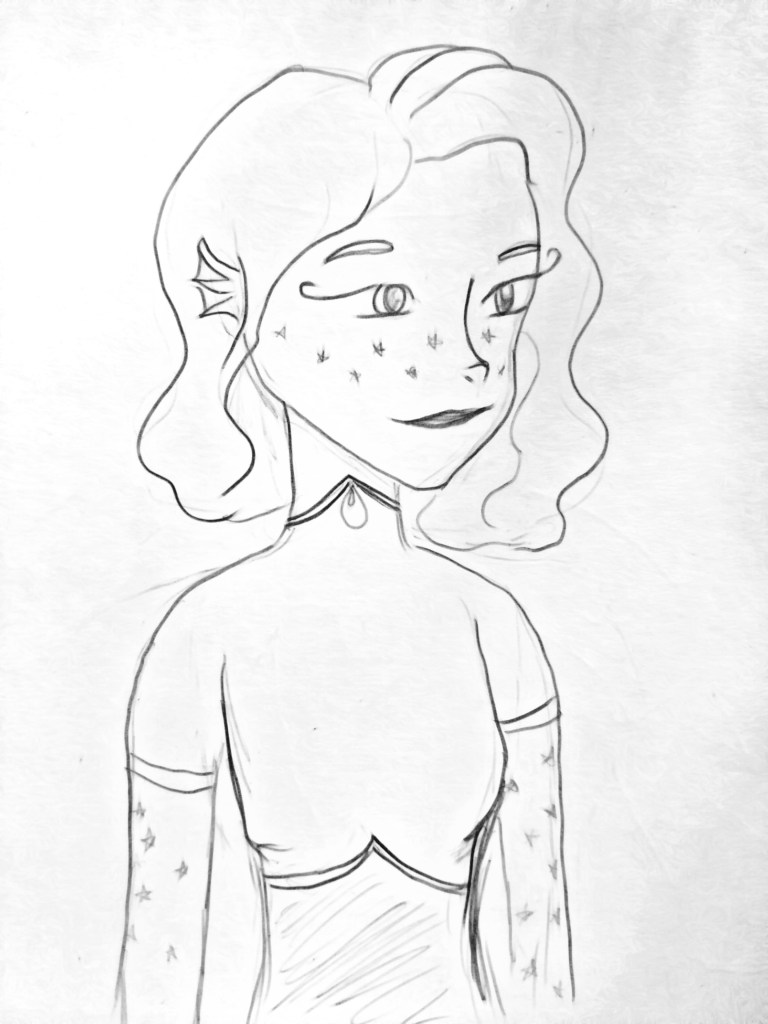
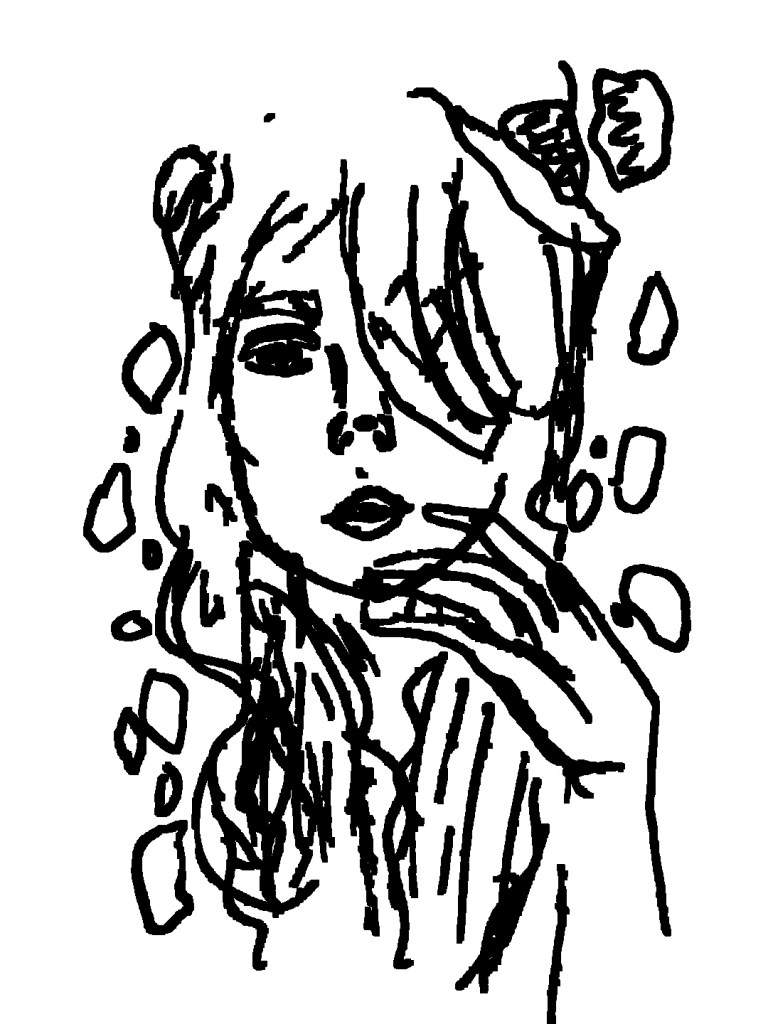
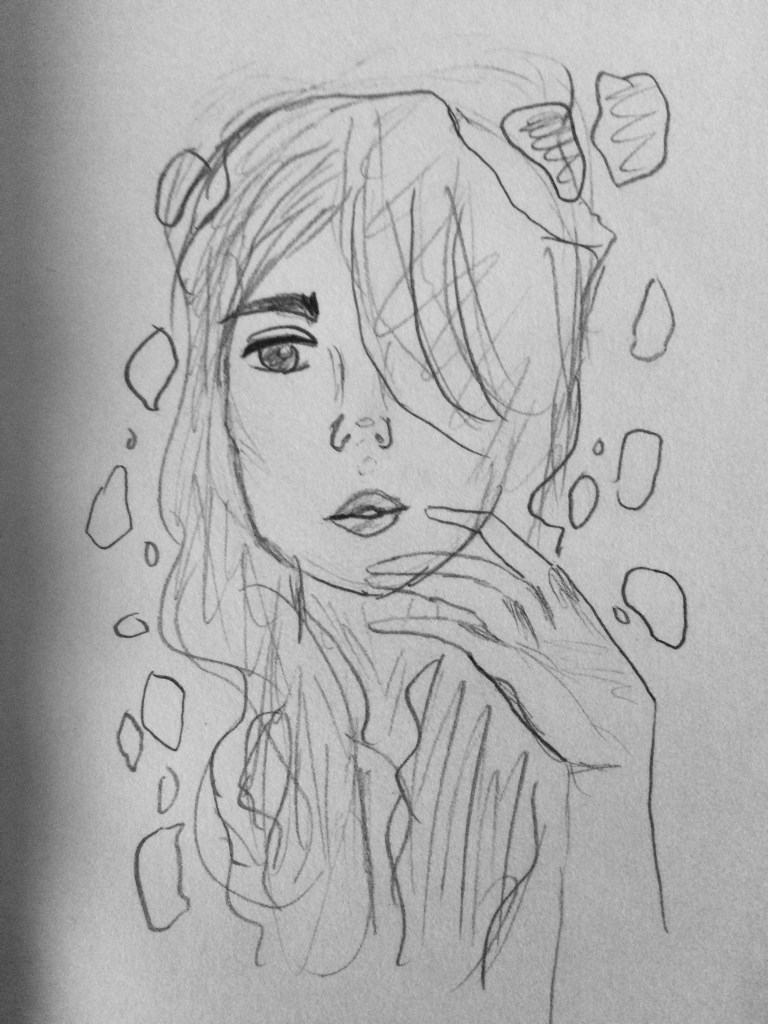
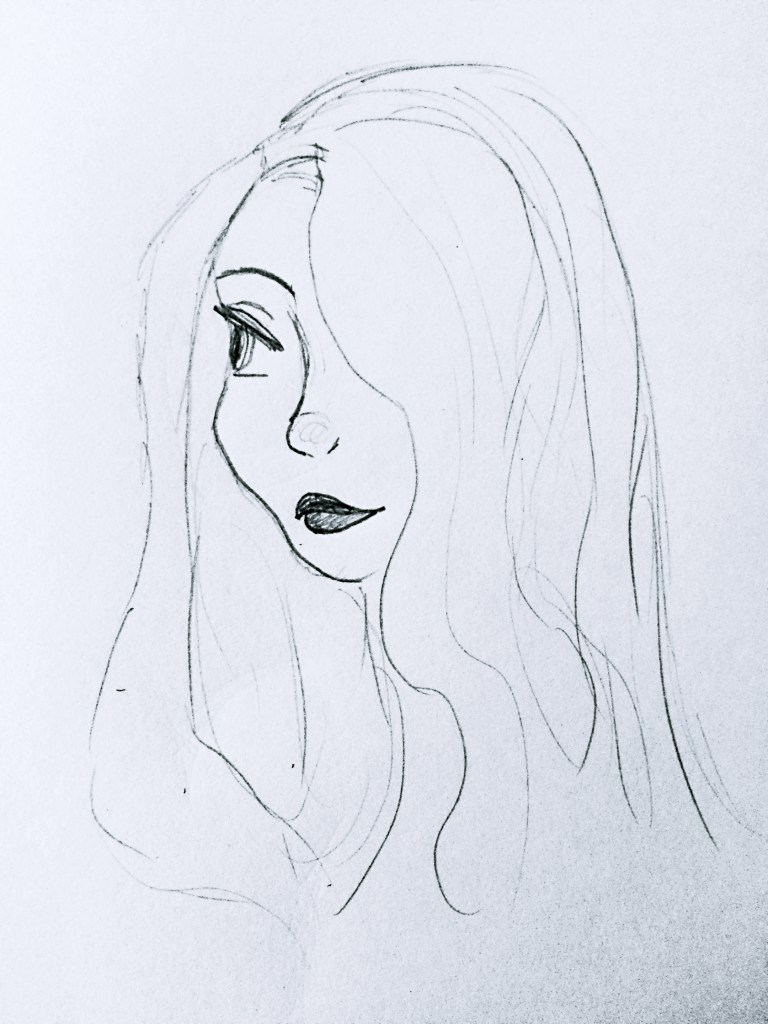
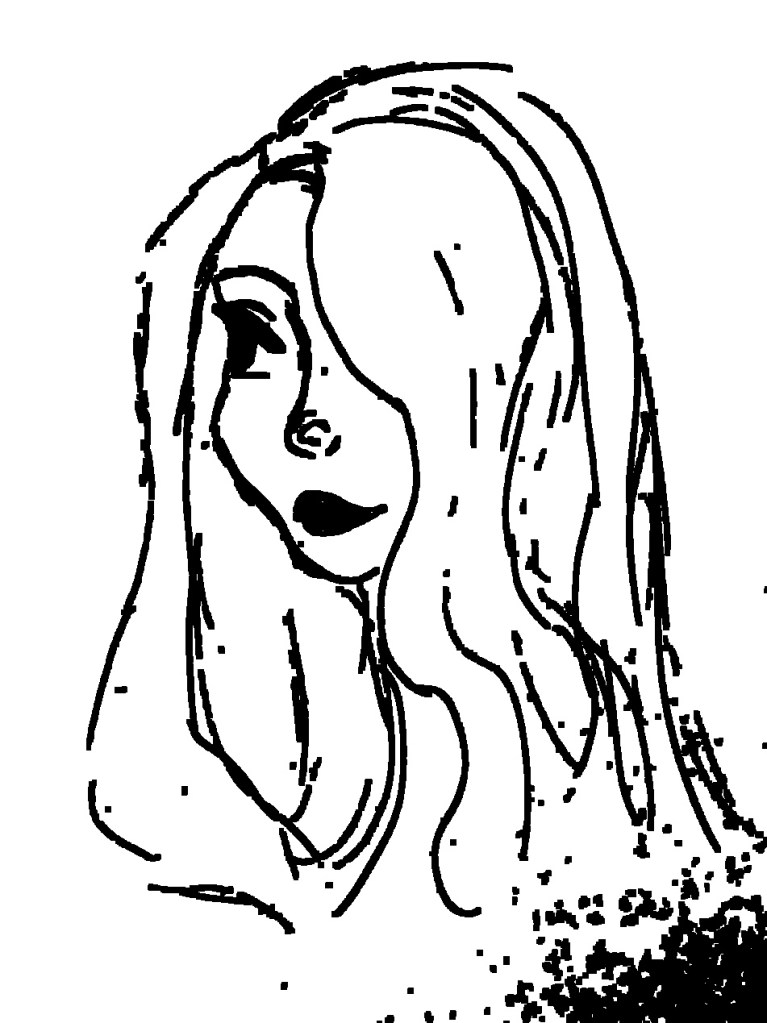
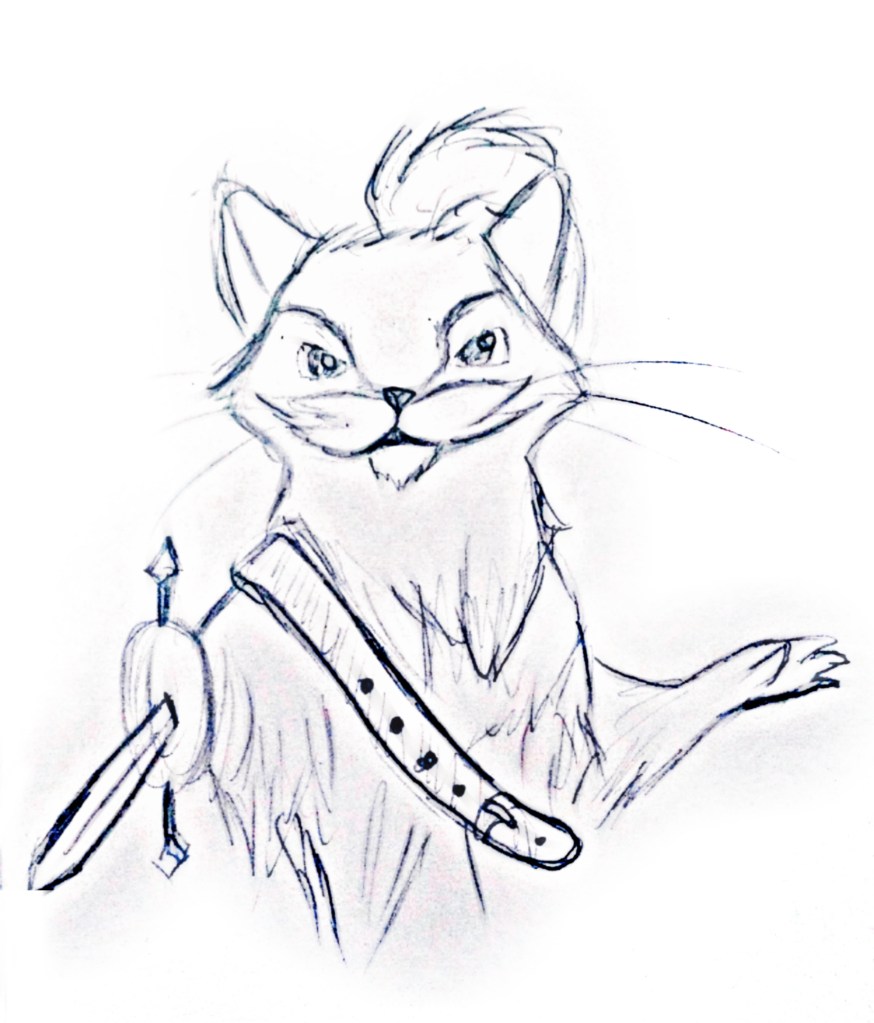
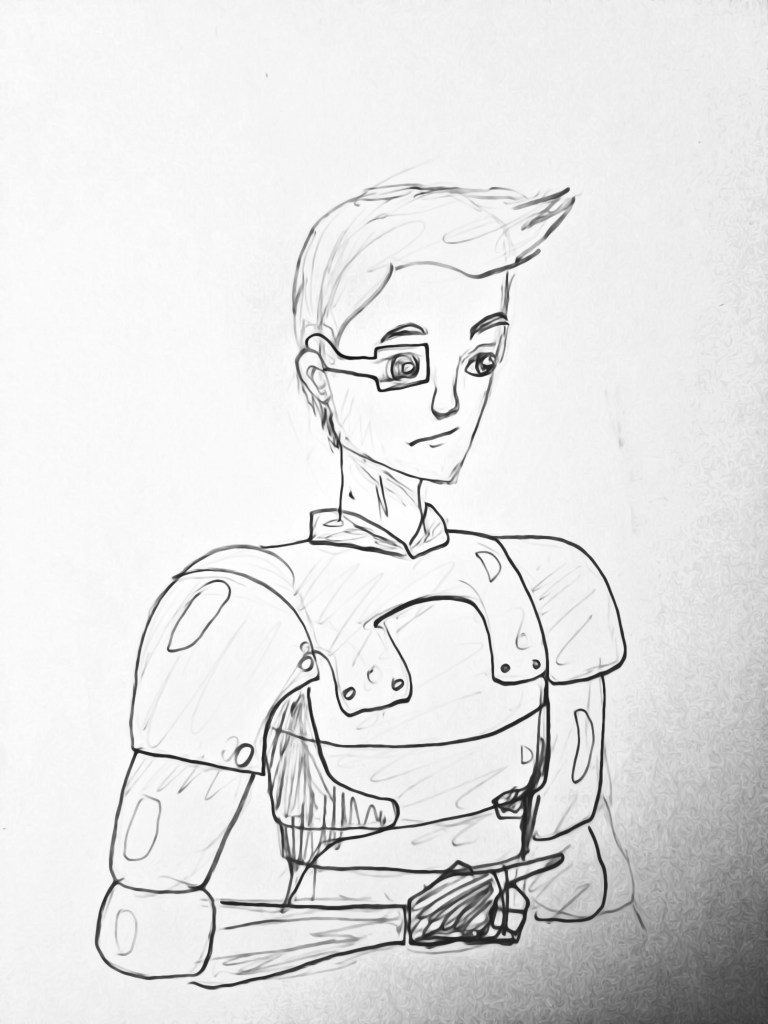
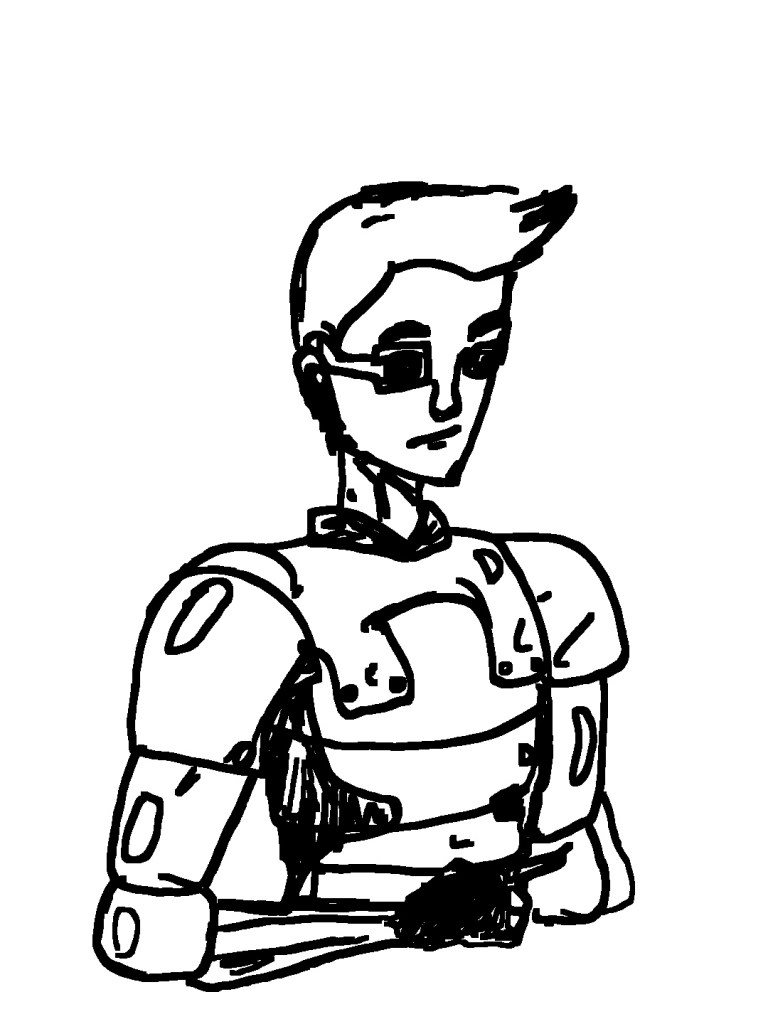
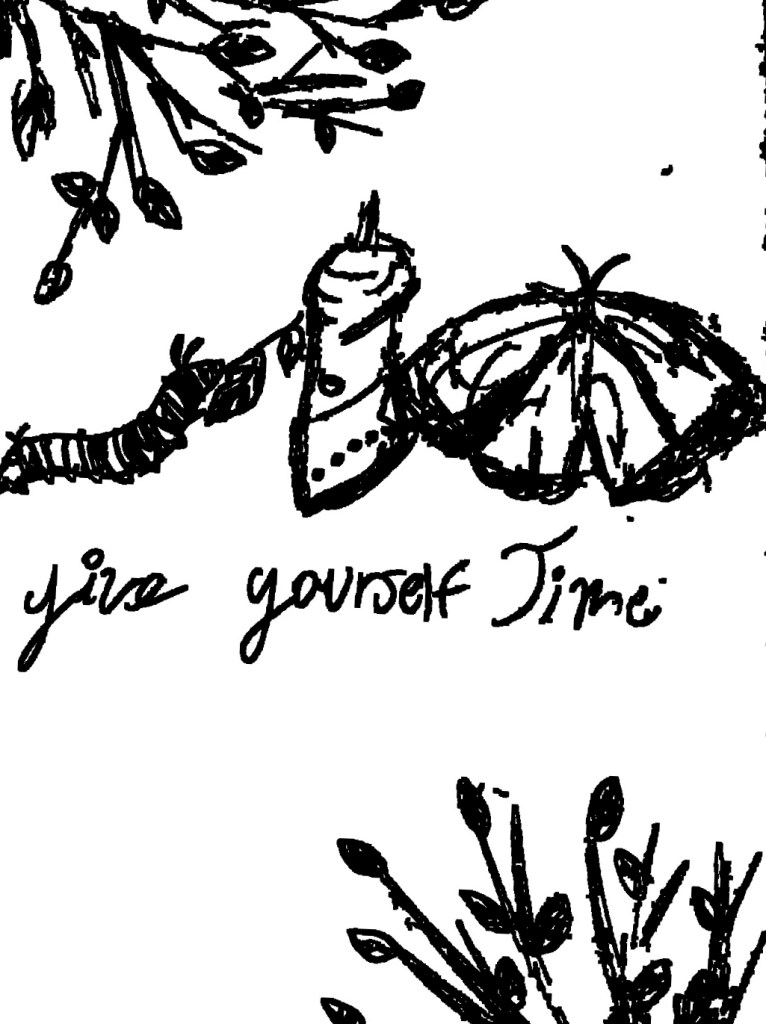
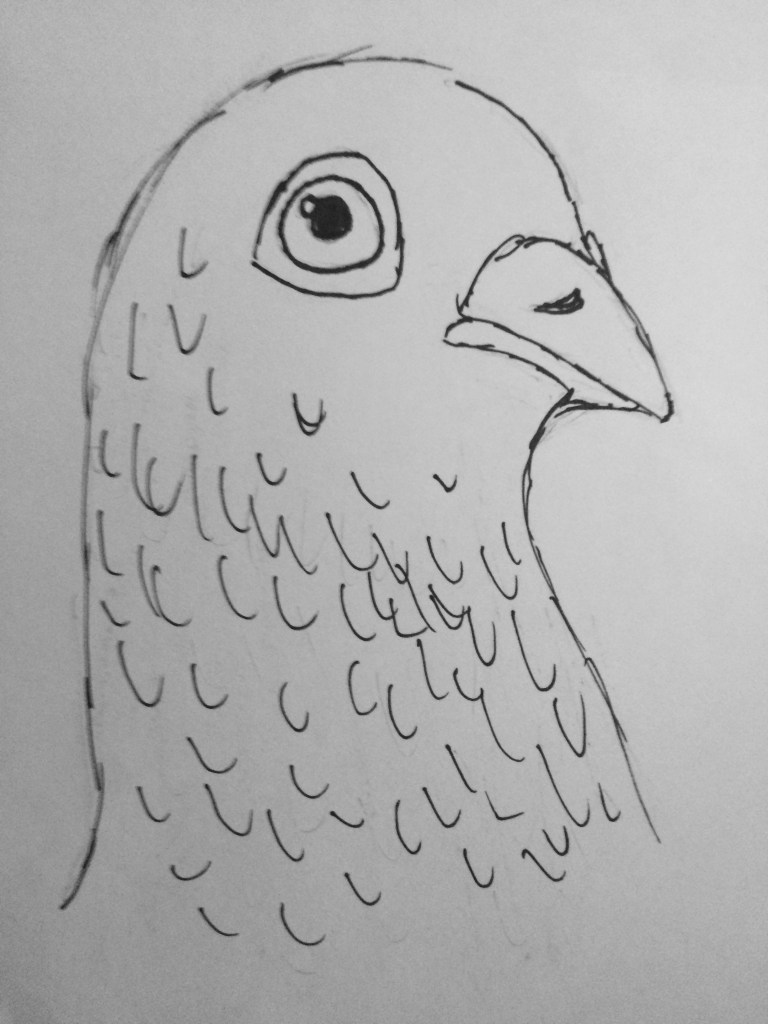
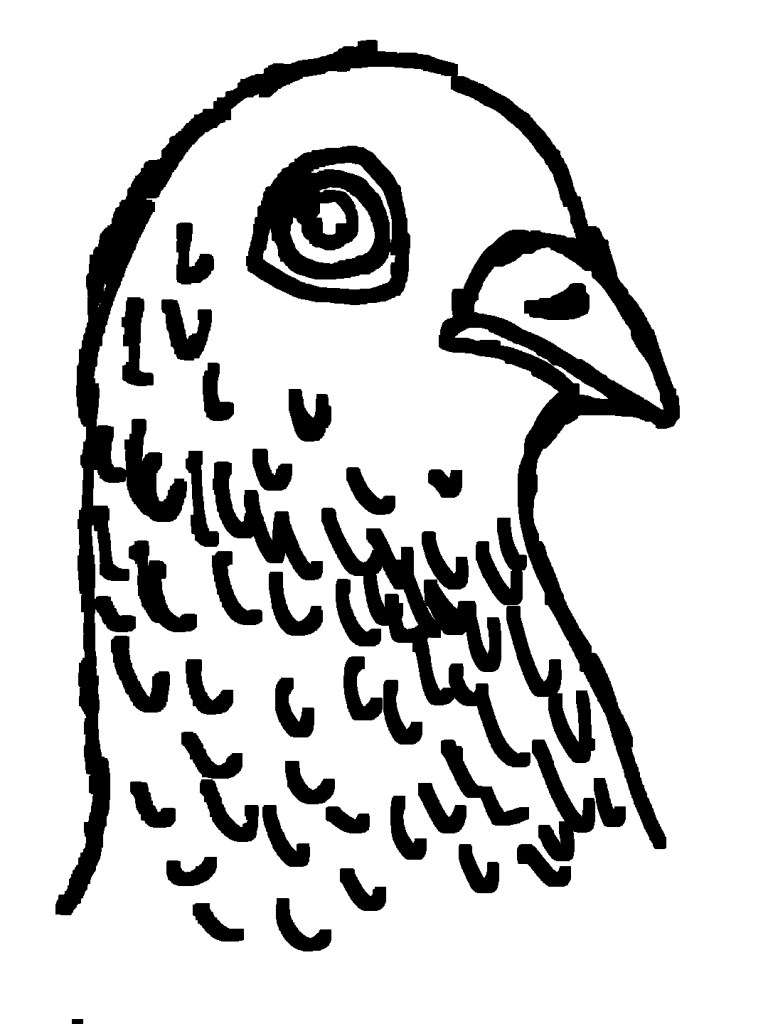
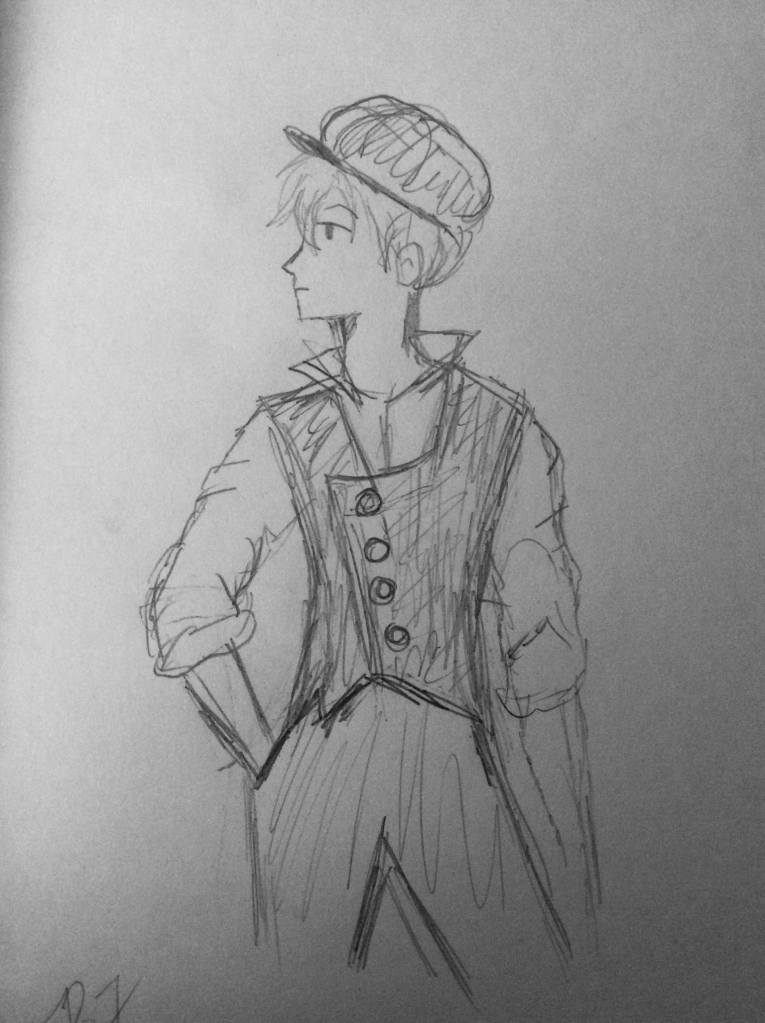
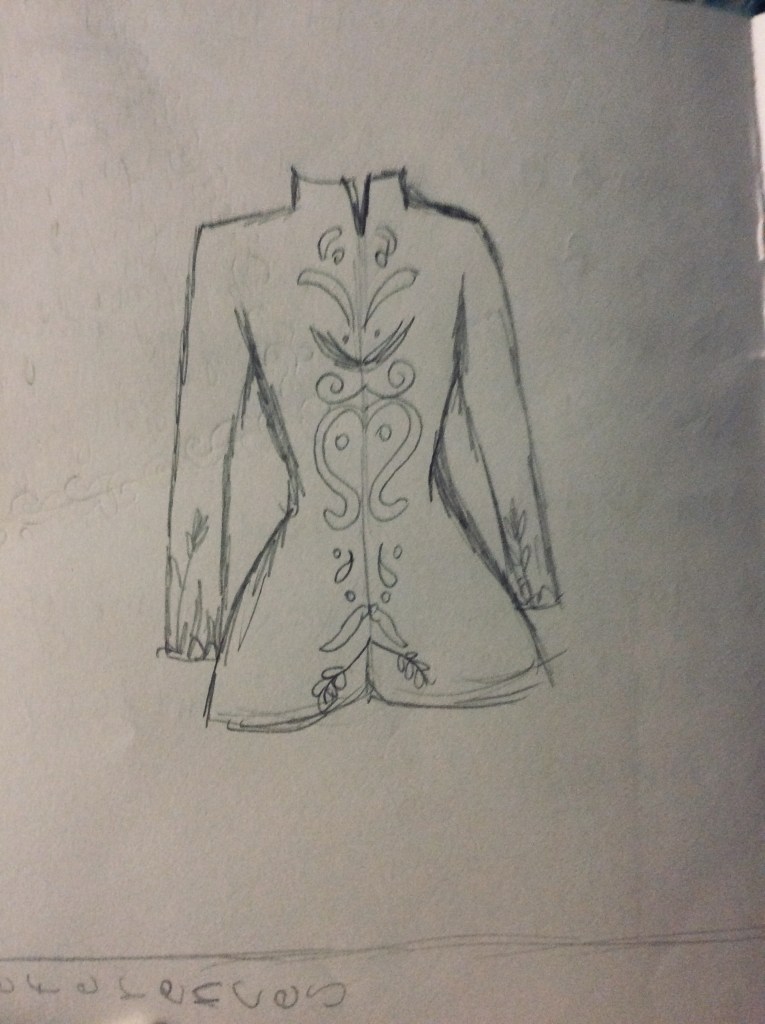
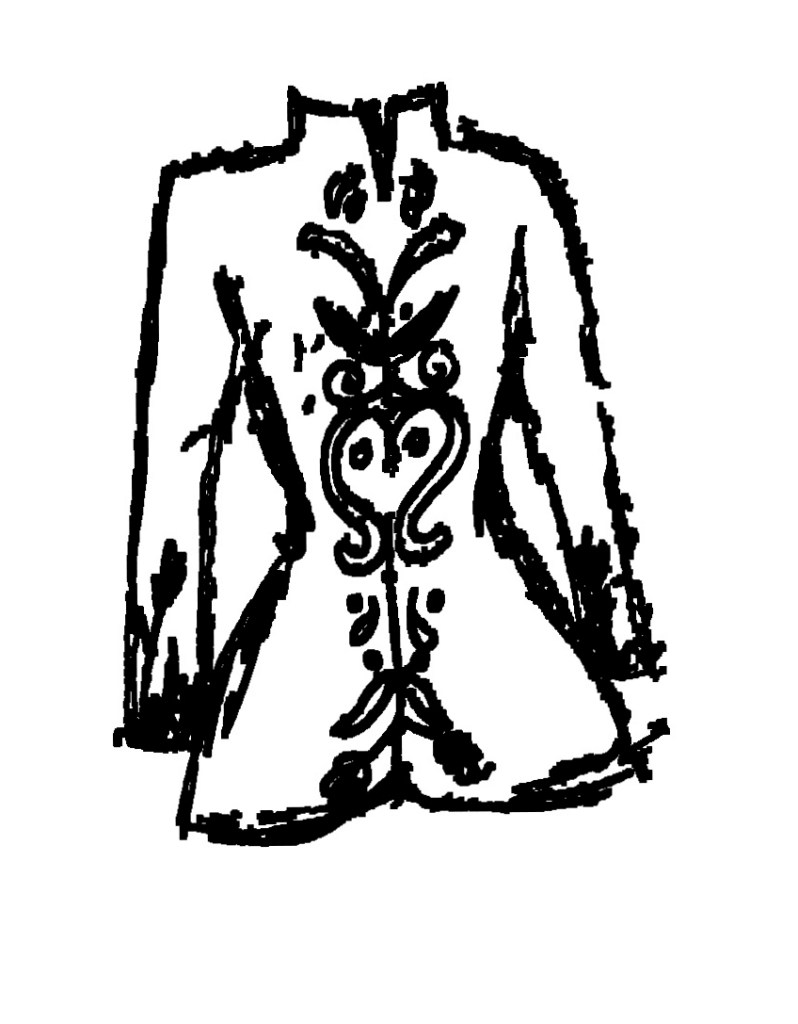
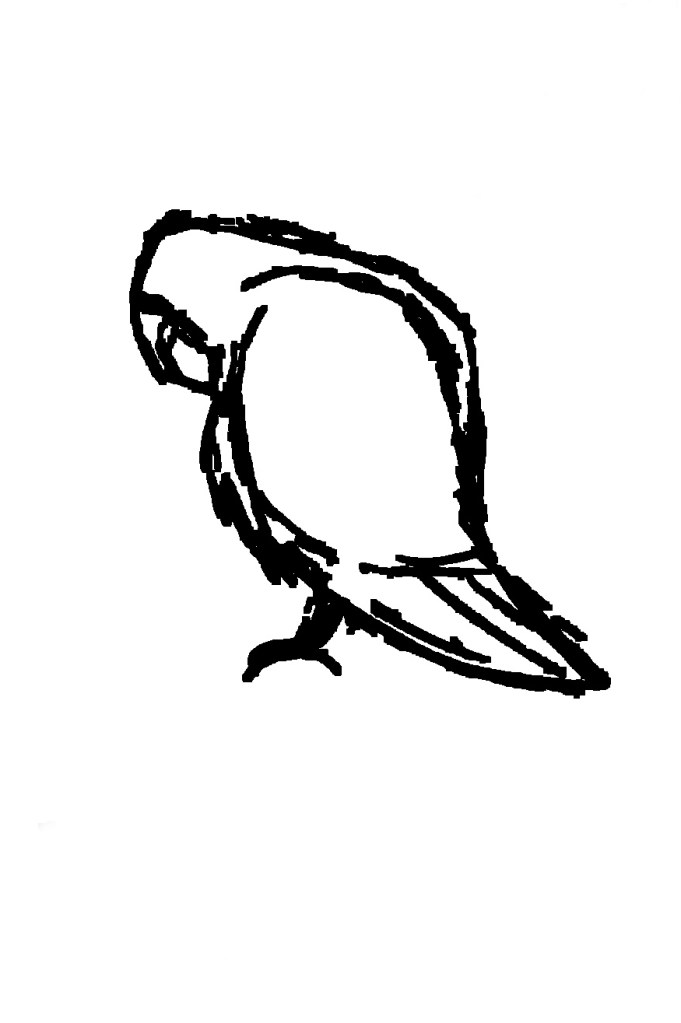
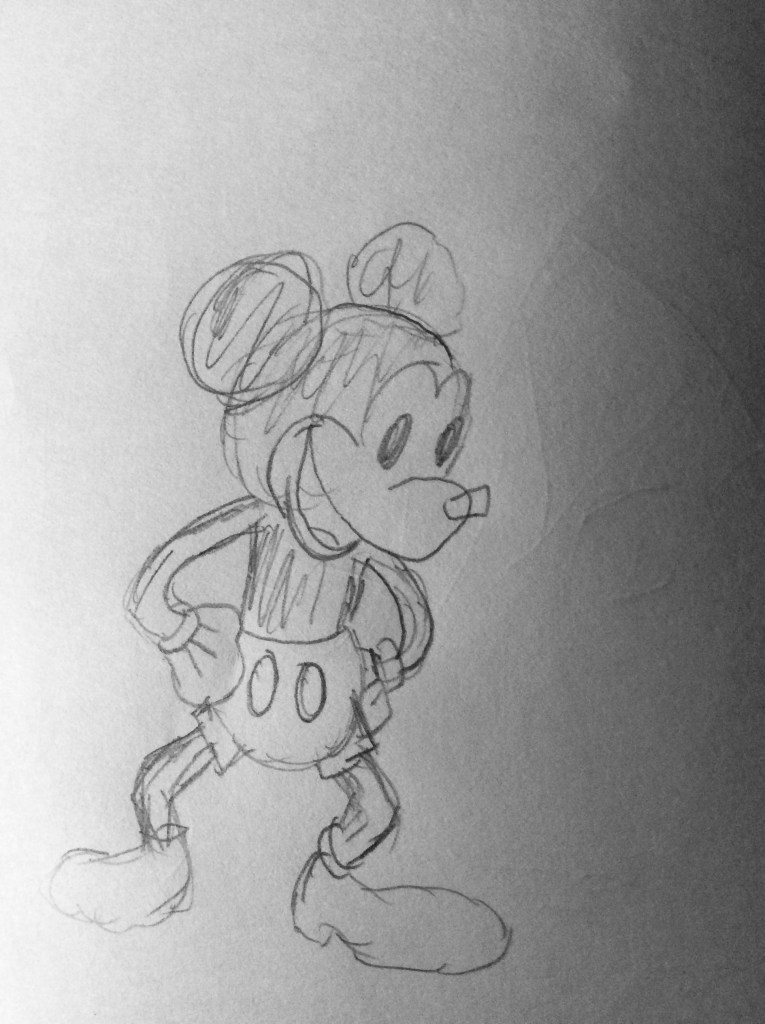
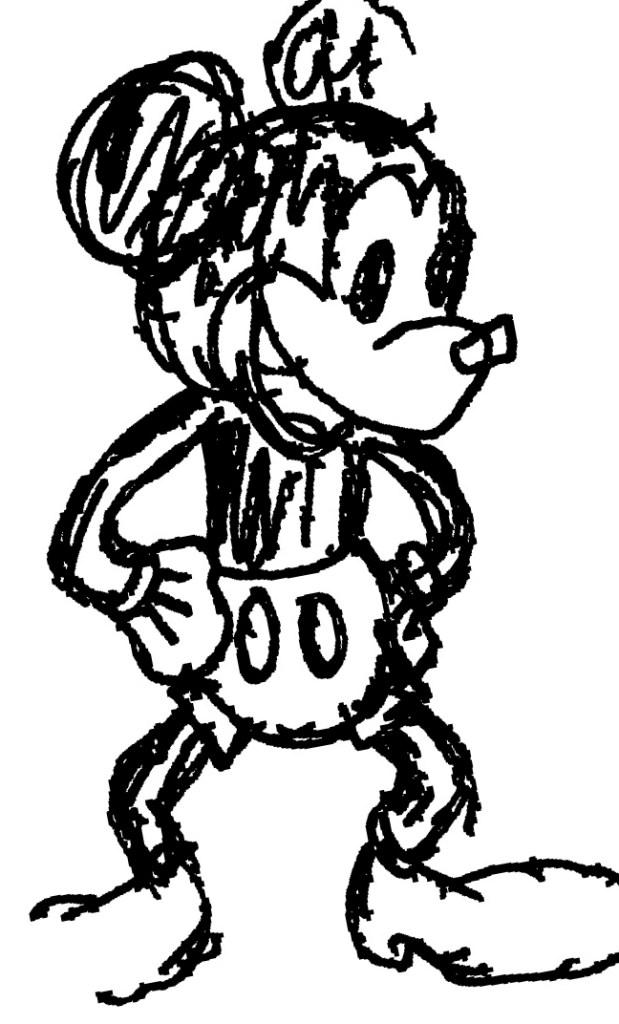
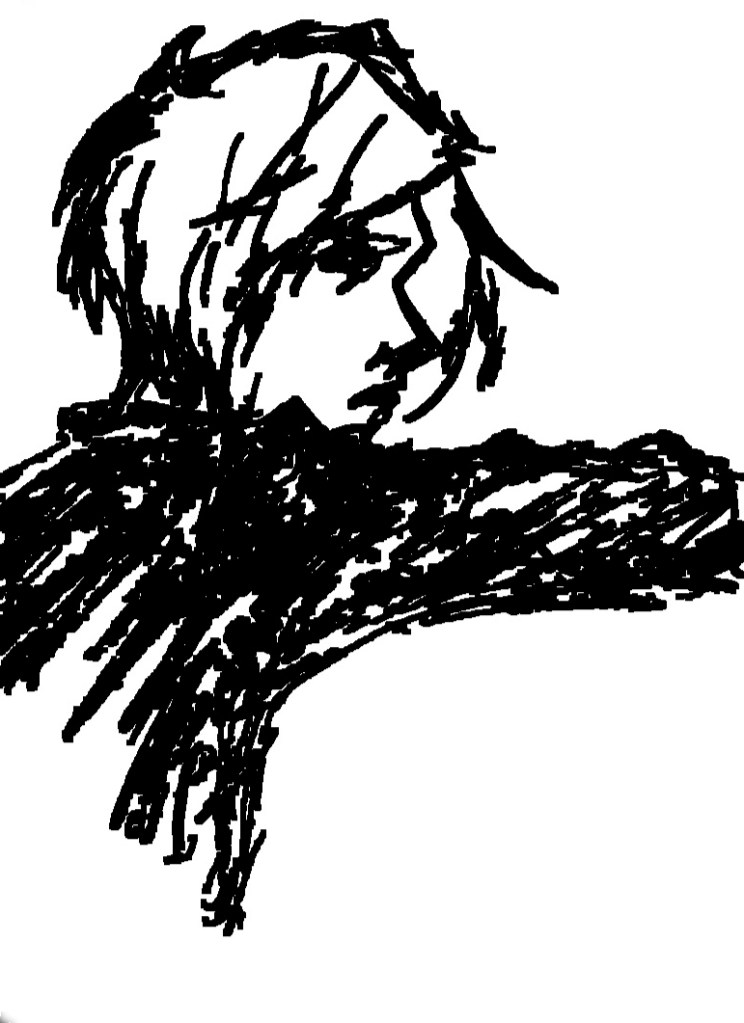
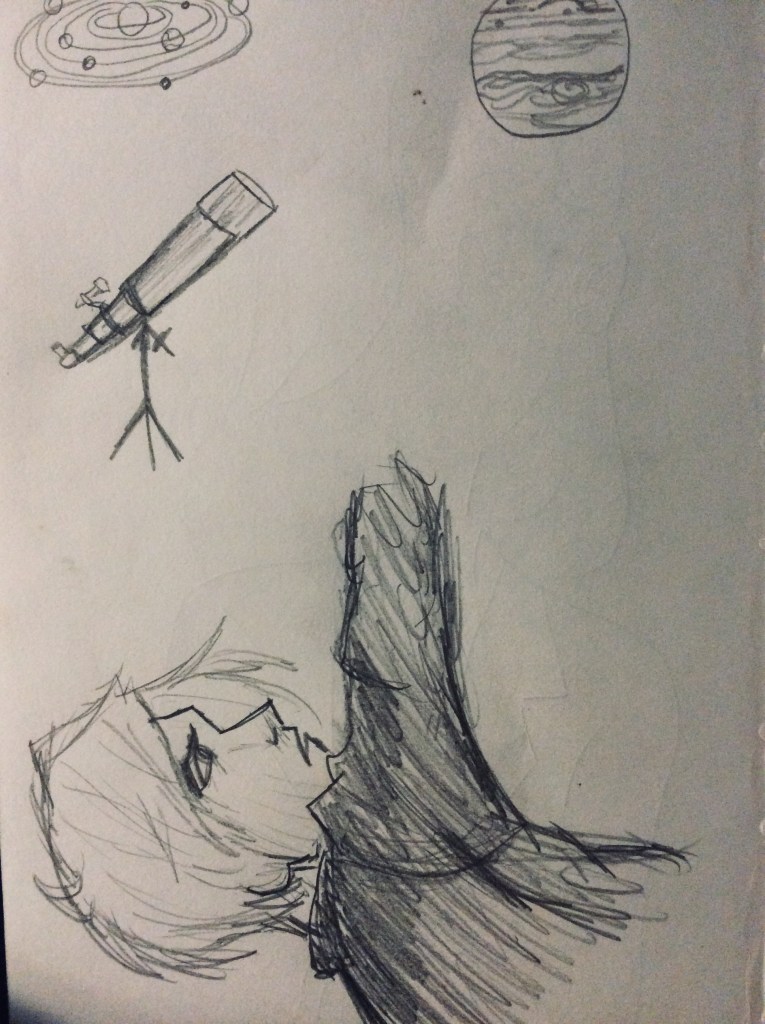
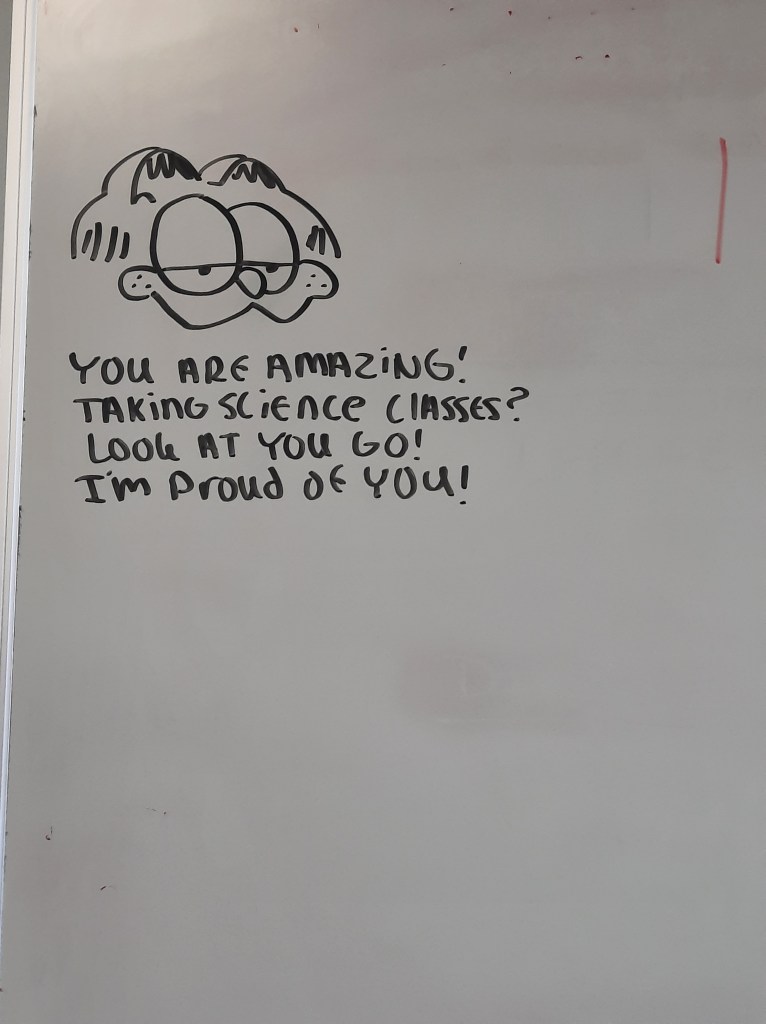
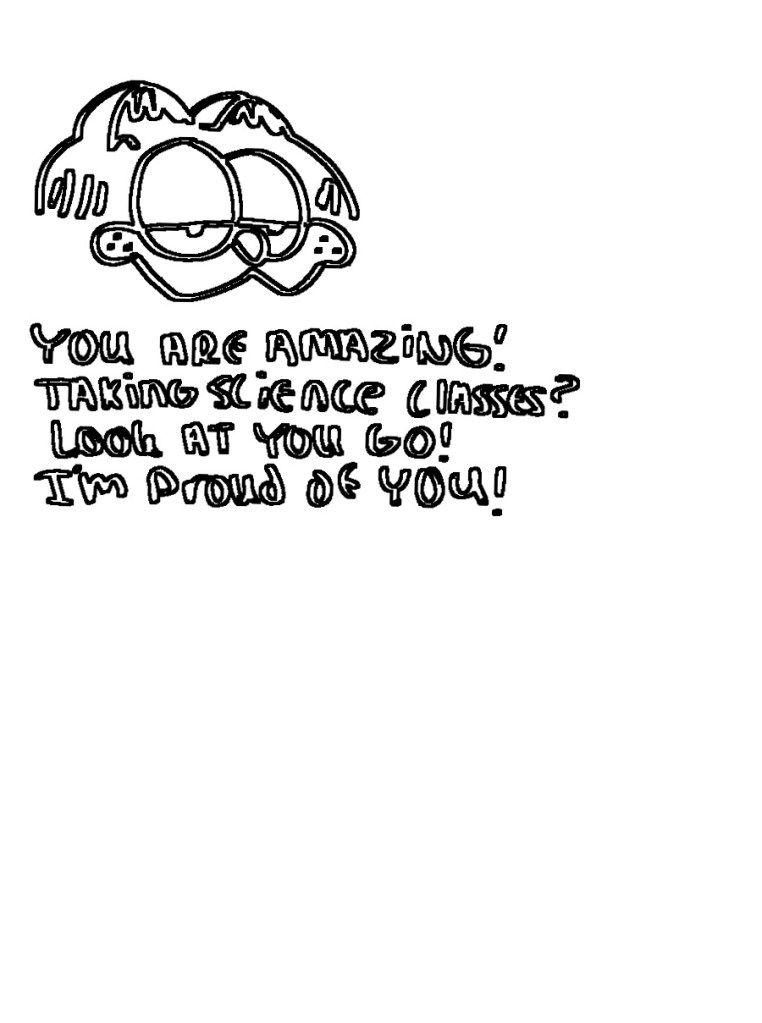
The app is called outline and is very simple- it makes a little line-art of whatever drawing you put into it. I rough line-art, but maybe something you could work with in the future. I’ve also been using it to see the overall “form” of my drawing and how symmetrical (or not symmetrical) my pieces are. Definitely worth tinkering around with if you’re into that sort of thing.
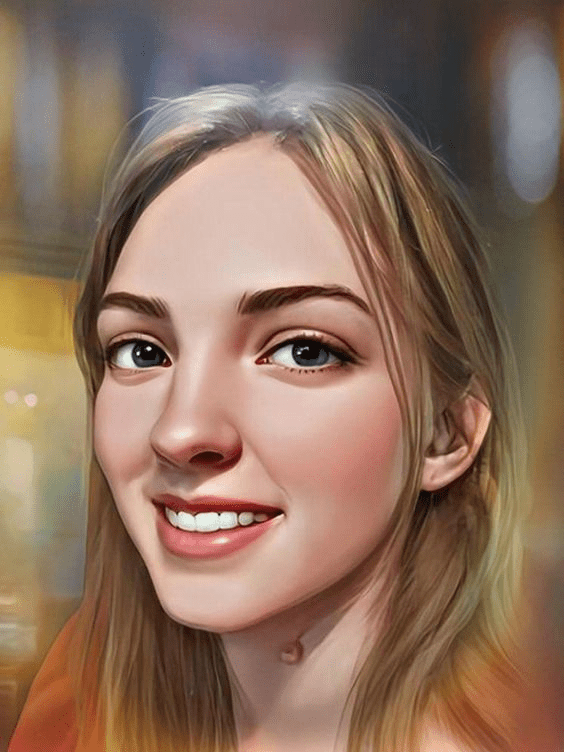
One thing I alluded to in some of my life update posts is that I have new art that I am very excited to share. Most of it is digital edits that involve a lot of photoshop and less coloring/drawing (But still fun and artsy nonetheless). So I decided that this post would contain my new digital pieces that I’ve created over the last couple of months. I’ve been trying to focus a lot on portraits and faces more than anything. Hope my practice has paid off and you enjoy!
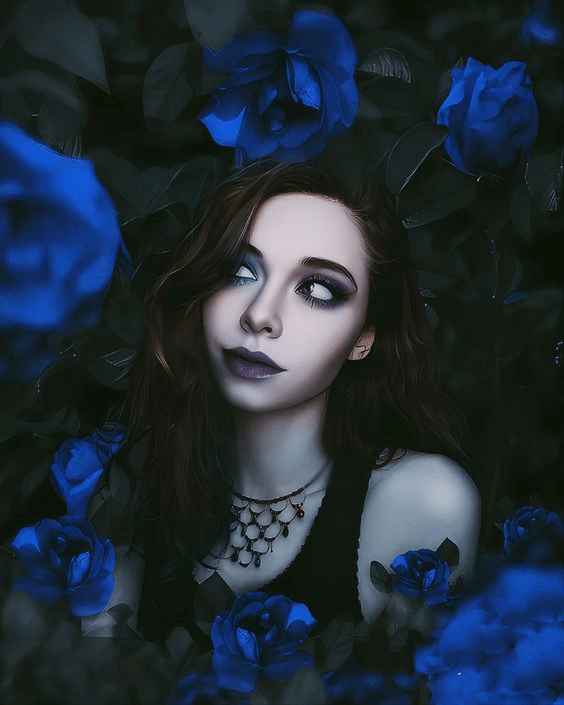
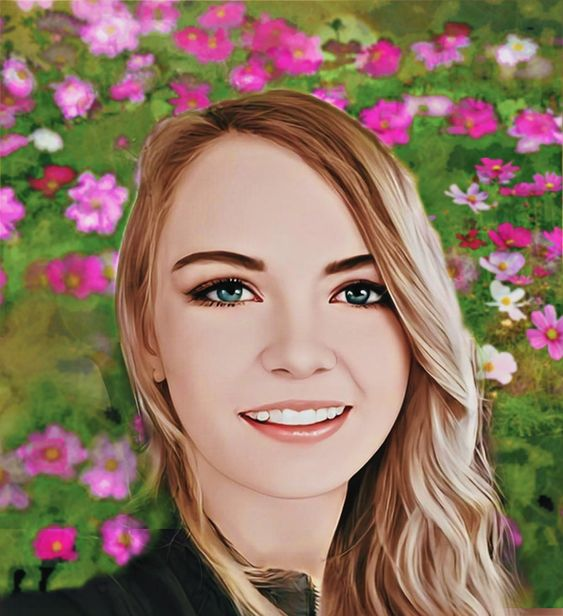
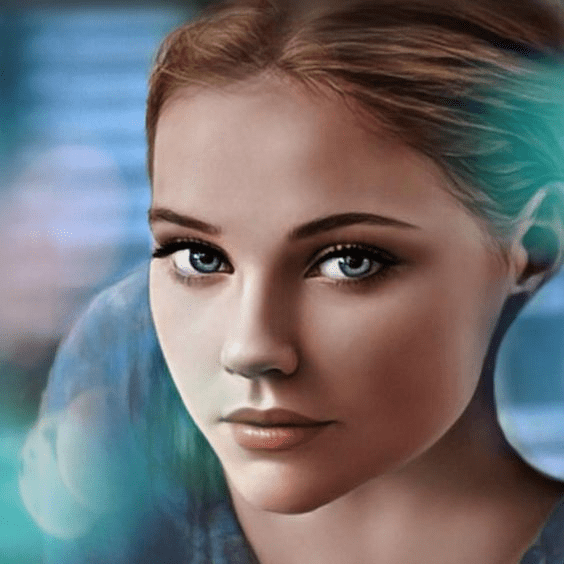
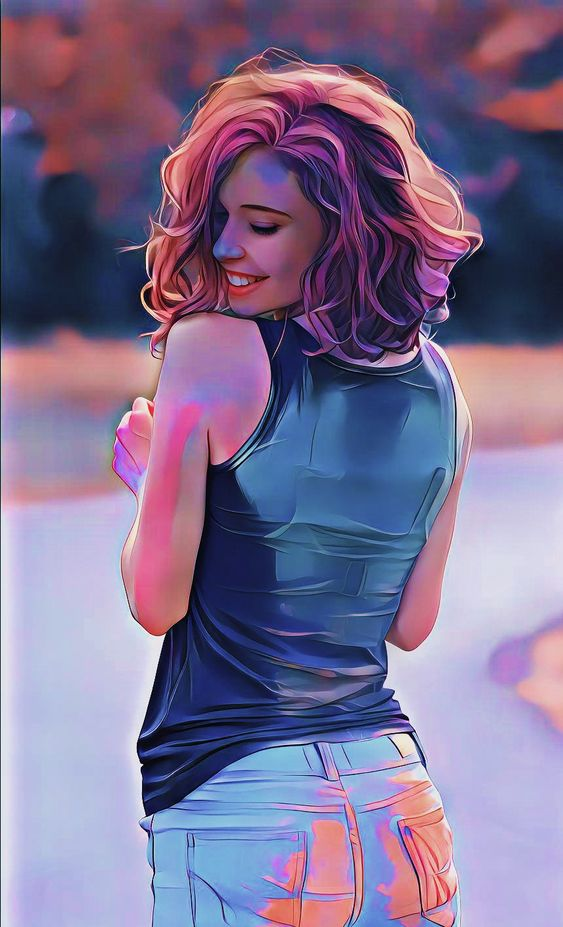
This is an digital edit portrait I did of my friend Megan over at Megan’s Musings. Really happy with how this one turned out!This is another mixture of a photo edit/art piece. Certain parts of the piece like the face and some of the hair are drawn while other parts I edited and blended into the piece. The base picture is one that I took myself and used for reference.This is another edit/art piece where I took the photo I used as a reference myself except I did a lot more drawing for this piece than I did the other one. Perhaps in another post I can share the original photos vs. the art pieces but I’m not sure if people would be interested in that. Regardless, that is a post for another day!This is a photoshop portrait I did of my friend Becca! This is one where I really struggled with the hair and background but I’m pretty okay with how it came out.This is another photoshop portrait I did of my younger sister. I would love to redo the background but I think by the time I was getting close to finishing, I was simply ready to be done. I’m sure many of you artists out there understand the feeling.I really enjoyed playing with colors in this edit. The Original was a photo my sister took this time of me playing in chalk. It turned out super cute.
And that’s it for now! I have some traditional pieces that I may also share in the future but I was mostly excited to share my digital pieces this time around. Thanks for checking them out! And if you like what you see round here, maybe consider dropping a follow or a comment below! I’d love to hear your thoughts!
Alrighty! That’s it for now! Talk to you later, lovelies!
Hey, everyone! Thank goodness it’s the weekend. I started a new job recently as I’m sure some of you have heard about via a blog post of me basically saying “Haha I’m tired because of work so sorry but there will be less posts hahaha”.
But it’s Saturday! And this post has been something I’ve wanted to share and talk about for a week or two now but just haven’t found the time to really MAKE it. Honestly, this post isn’t quite like a normal one for me. I usually splash my blog with writing related posts, a few personal posts, and maybe a FEW art posts here and there but writing seems to be my real bread and butter. I haven’t really had any inspo for writing prompts or tips though so HERE WE ARE.
Wow, that’s a lot of backstory without any real context to the specifics of what I’m talking about. Apologies. Getting to the point is not always my strength. What was I talking about again?
Oh yeah!
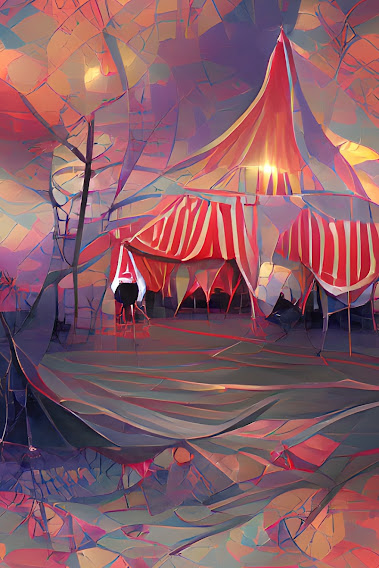
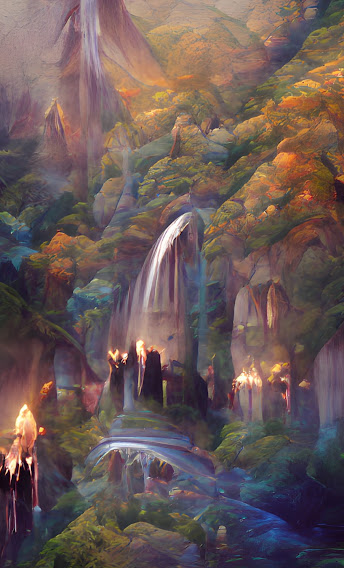
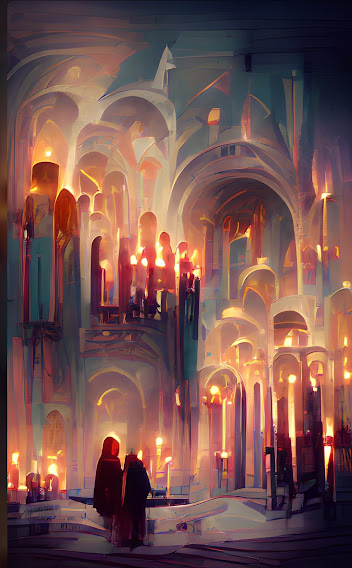
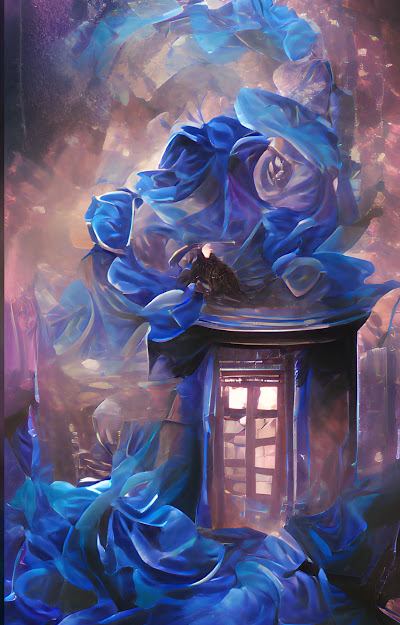
I found an interesting though slightly obscure art app that I wanted to talk about with ya’ll. It’s called Wombo Dream. It is an AI art tool that generates pieces based off of your “prompts” which tend to consist of a few keywords and phrases. It’s a fascinating tool and I’ve played with it on and off for a few weeks now. I think the best way to really explain this AI and how it works is to share with you some of the results I got while using it as well as the prompts I used.
The prompt for the image above was “Circus Tent” and, as you can see, the results are pretty trippy yet also recognizable. Let’s try another!
The prompt for this guy was “cozy coffee shop”. You can definitely see it, even if not everything in the picture is completely identifiable.
The prompt for this one was “Rivendell” which is a location from Lord of the Rings. I can recognize this one really well, especially with that waterfall in the background.
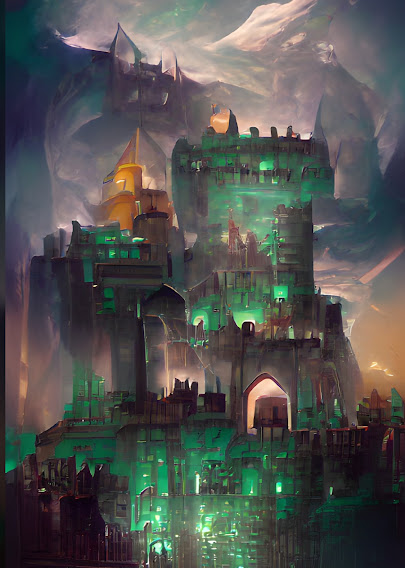
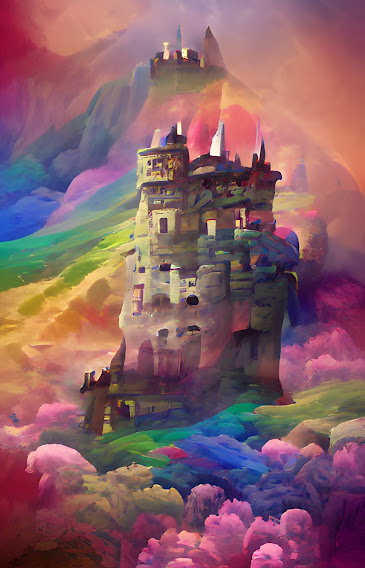
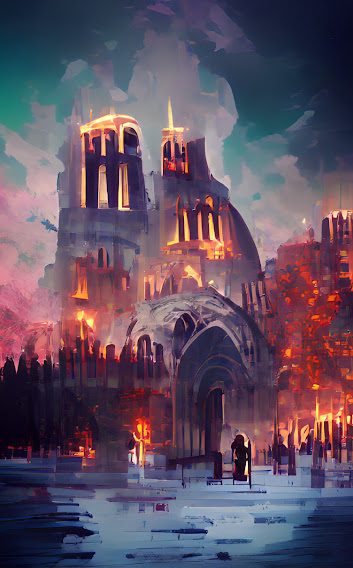
The Prompt for this one was “Emerald Castle”. You can really see the AI doing its best here to create a structure that resembles as such.
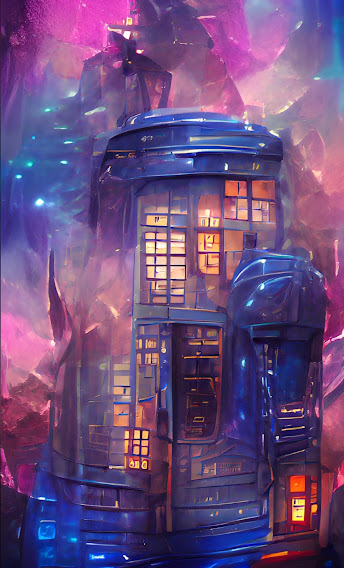
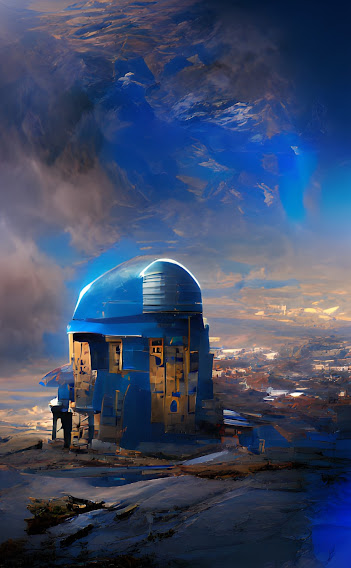
You might be able to tell the prompt for this one already, but in case this structure doesn’t seem at all familiar to you, the prompt that I used was “Tardis Castle.” As in, the Tardis from Doctor Who.
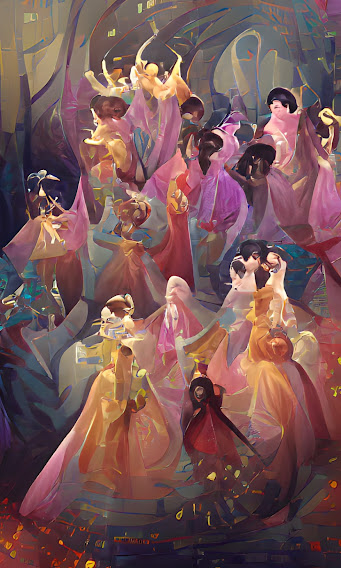
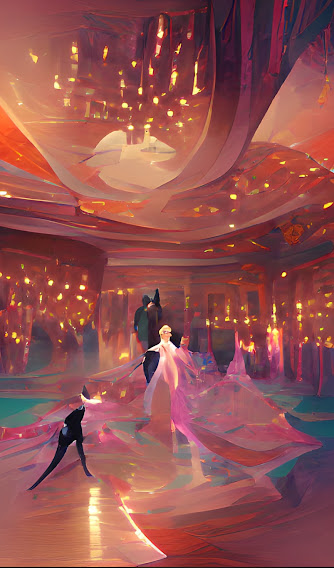
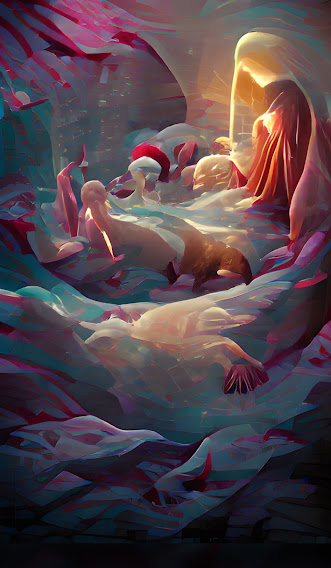
This one is definitely a little vague but hopefully it seems recognizable when I tell you the prompt. The prompt was “The Twelve Dancing Princesses”. I can see them twirling in a group here, their skirts swirling round them creating such an appealing composition for the image. It’s crazy to think that an AI generated this!
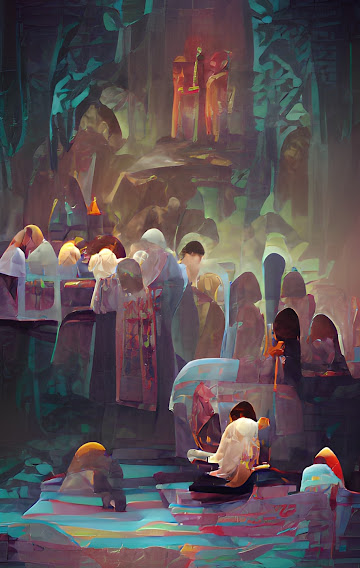
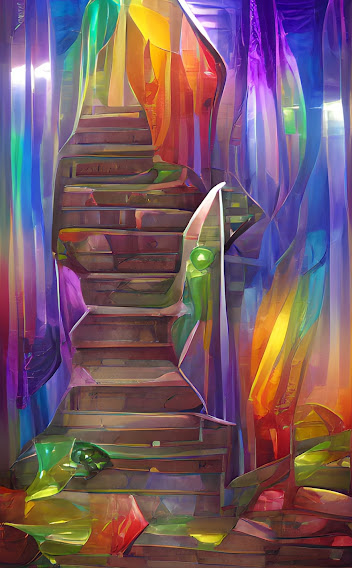
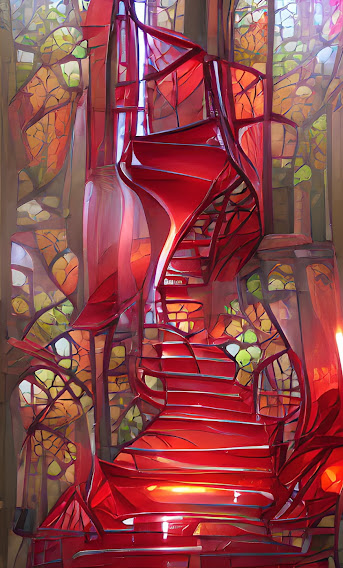
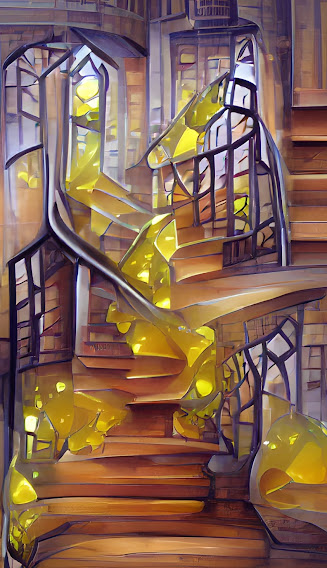
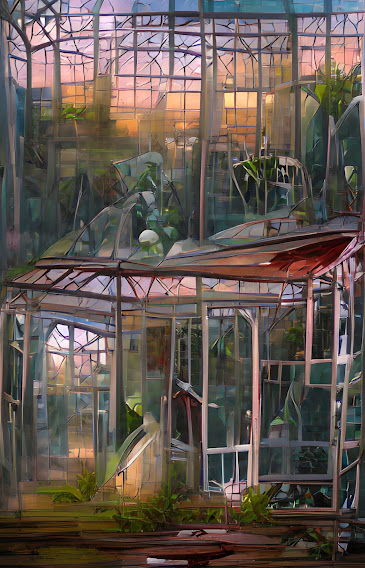
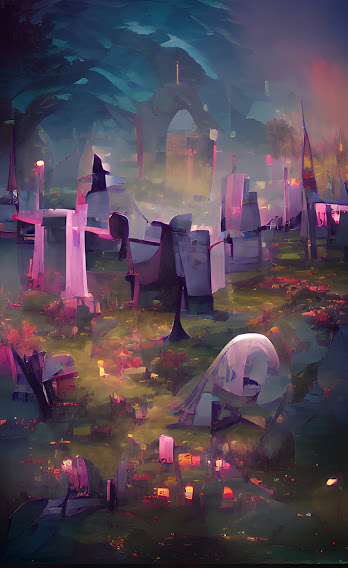
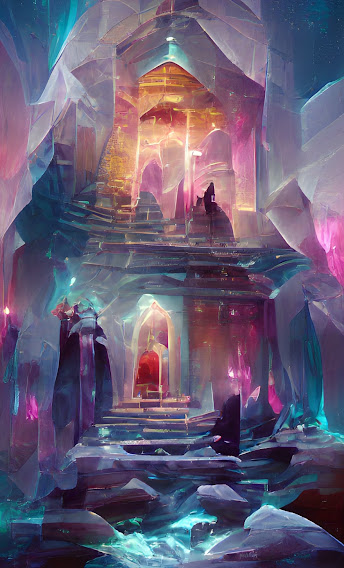
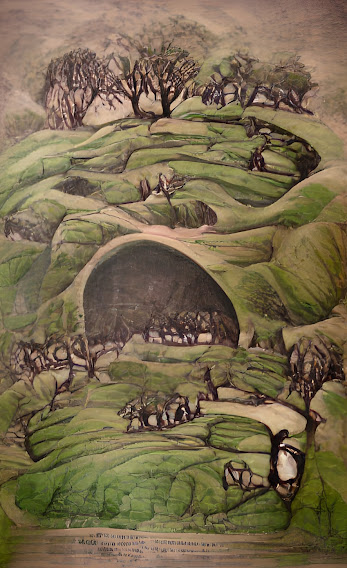
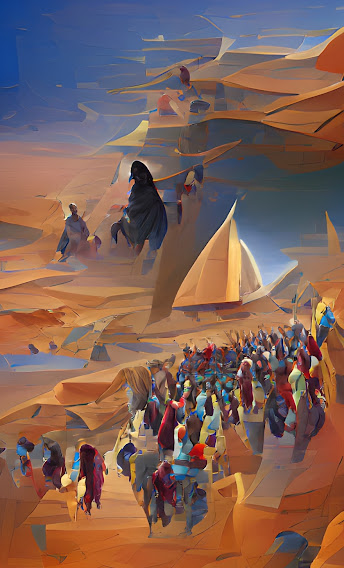
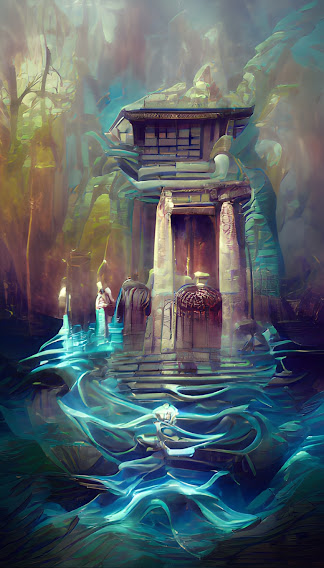
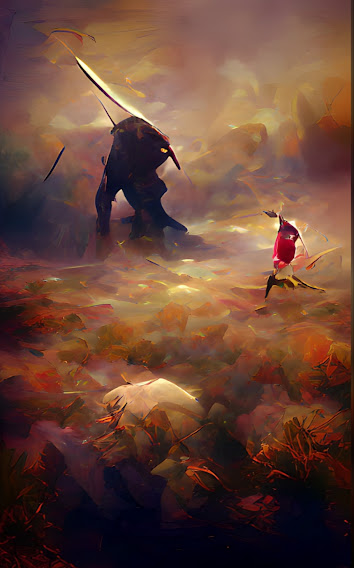
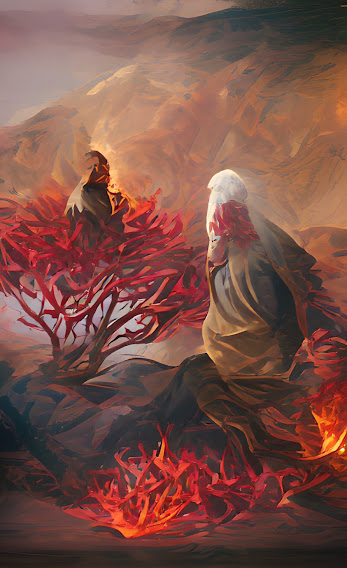
I think you get the idea now so I’m going to stop explaining the prompts and just show you a little showcase of other beautiful images I got from using this tool. Let me know in the comments if you recognize any of them!
I know this was sort of an odd post but hopefully you found yourself just as fascinated as I was upon finding out about this app. Just the idea that a AI tool could create things that look so familiar has such neat implications. Will there be a time when this AI is perfected so well that It will be hard to tell the difference between AI art and human art? I don’t know but until then, I definitely encourage you to check out this art tool. Not only is it fun to play around with, but it might be good for art inspiration or even writing inspiration for when you have a fictional place but aren’t sure how to exactly describe it.
Oke doke! I think that’s about it! Thanks for sitting through my rambling review of an obscure art app.
I usually don’t share my art on my blog but today I wanted to share a few little digital doodles I did this week for no real particular reason besides the fact that I have blog posts I want to do but no real time to write them until this weekend. So feel free to scroll through a few pieces of mine and offer your thoughts and critiques. Have a wonderful day, lovelies.
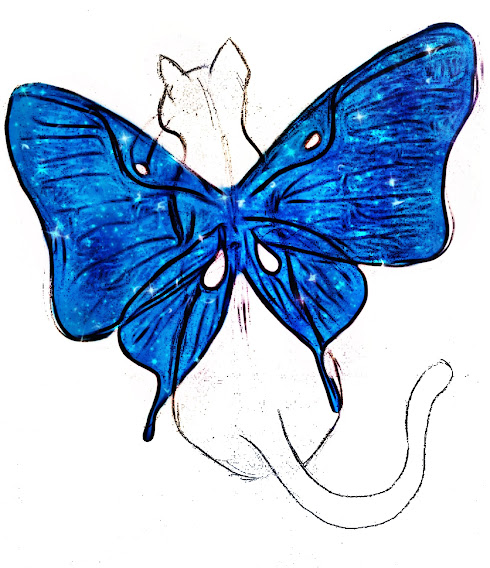
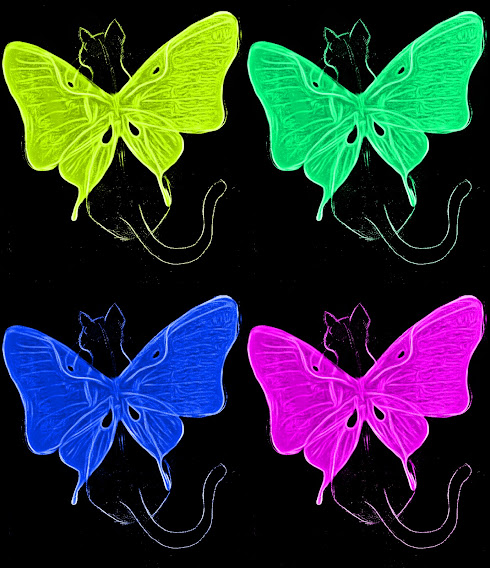
This a quick Azula sketch I did the other day. Avatar the Last Airbender was a huge part of my middle school years so why not?Had a few ideas for some concept art of some butterfly cats so here we go…I made the wings rather fancy on this one.Here is a collage of the neon versions.
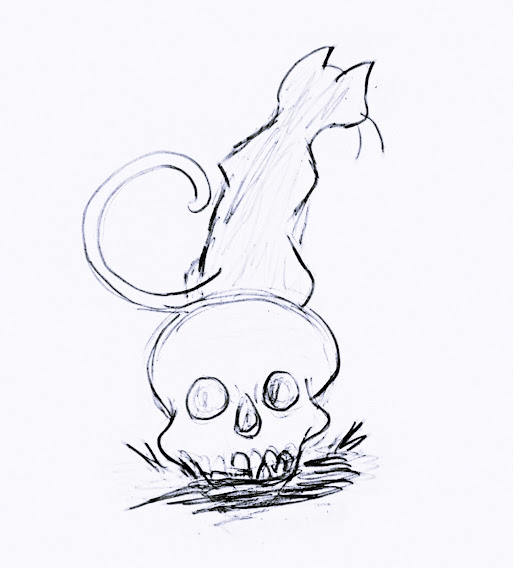
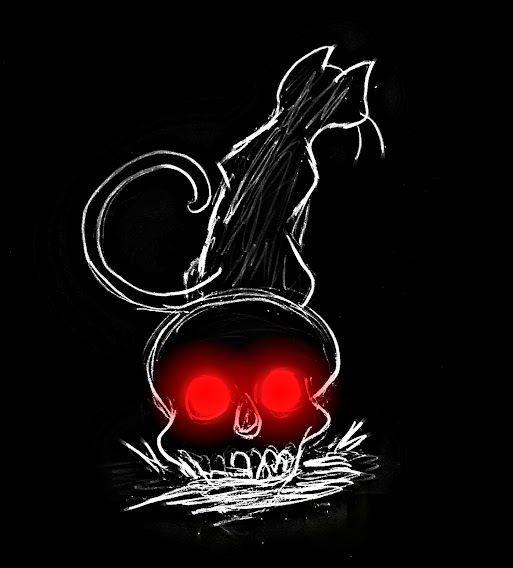
And speaking of cats, I also drew a cat sitting on a skull for funsies. Above is displayed both the uncolored and the colored version.
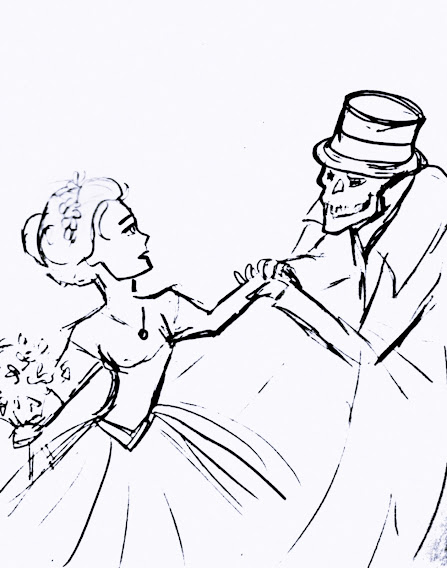
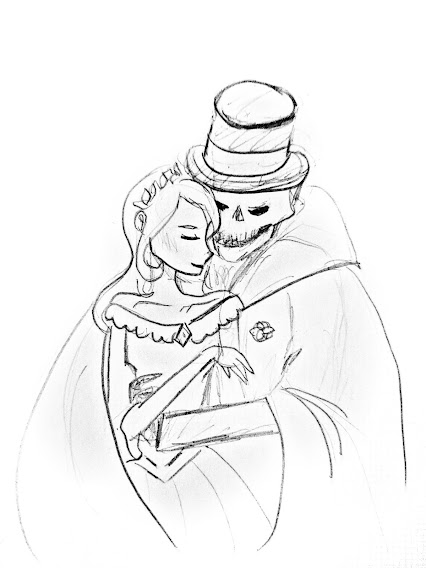
Just a few gentle-manly skull sketches… (these were my favorites I think).
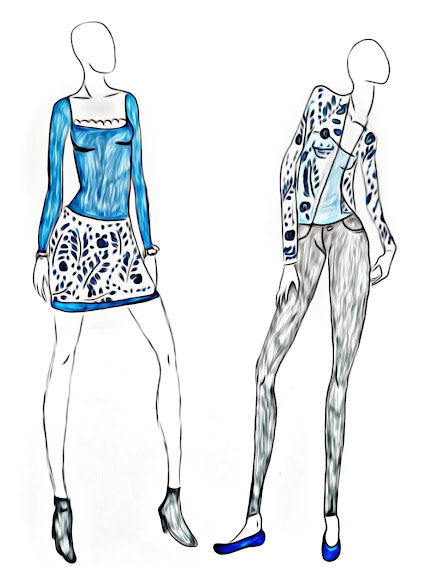
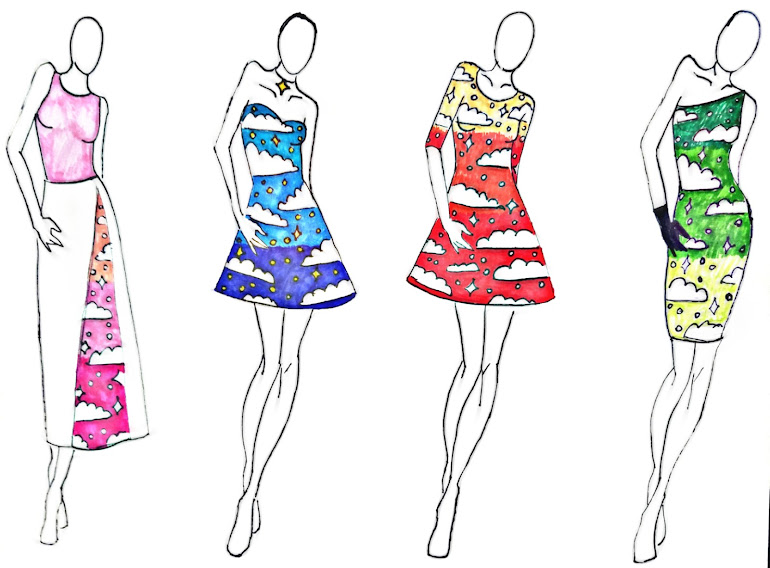
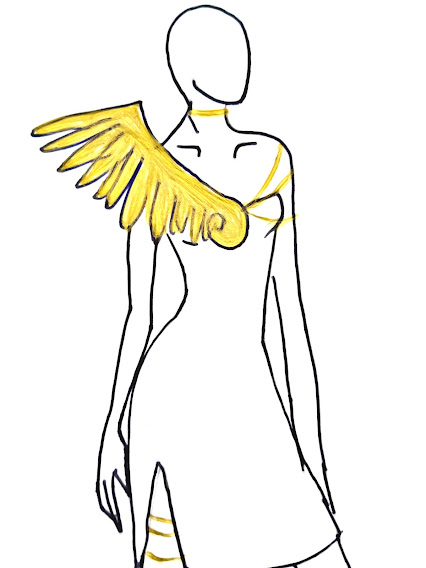
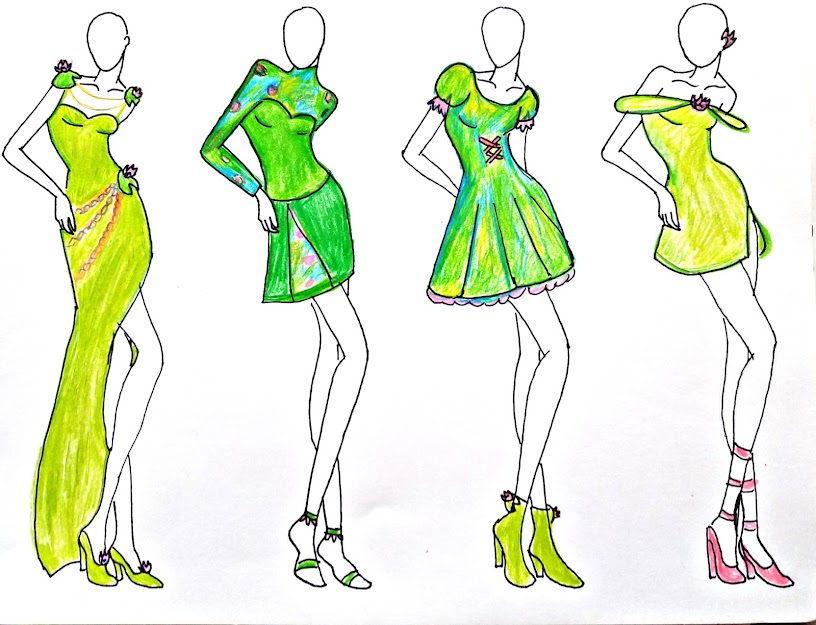
And here are a few collections of fashion sketches I did while catching up on a few shows. (Mainly The Book of Boba Fett <3)
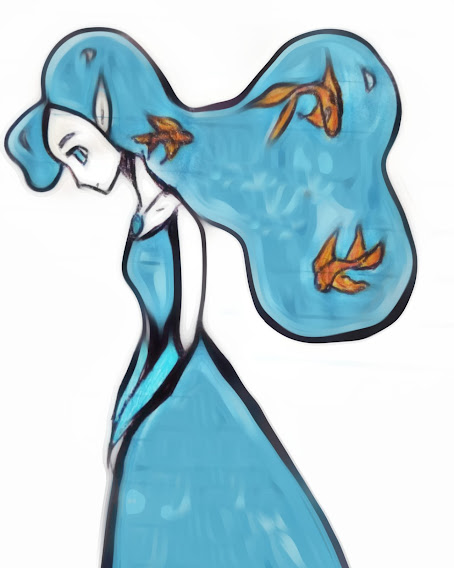
And finally we have a fish haired princess. I like the color and concept of this one though I would love to do a cleaner version in the future.















 By the Brooke